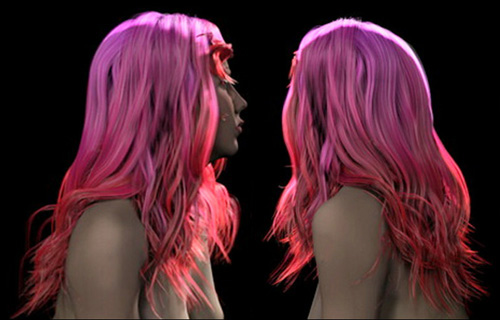




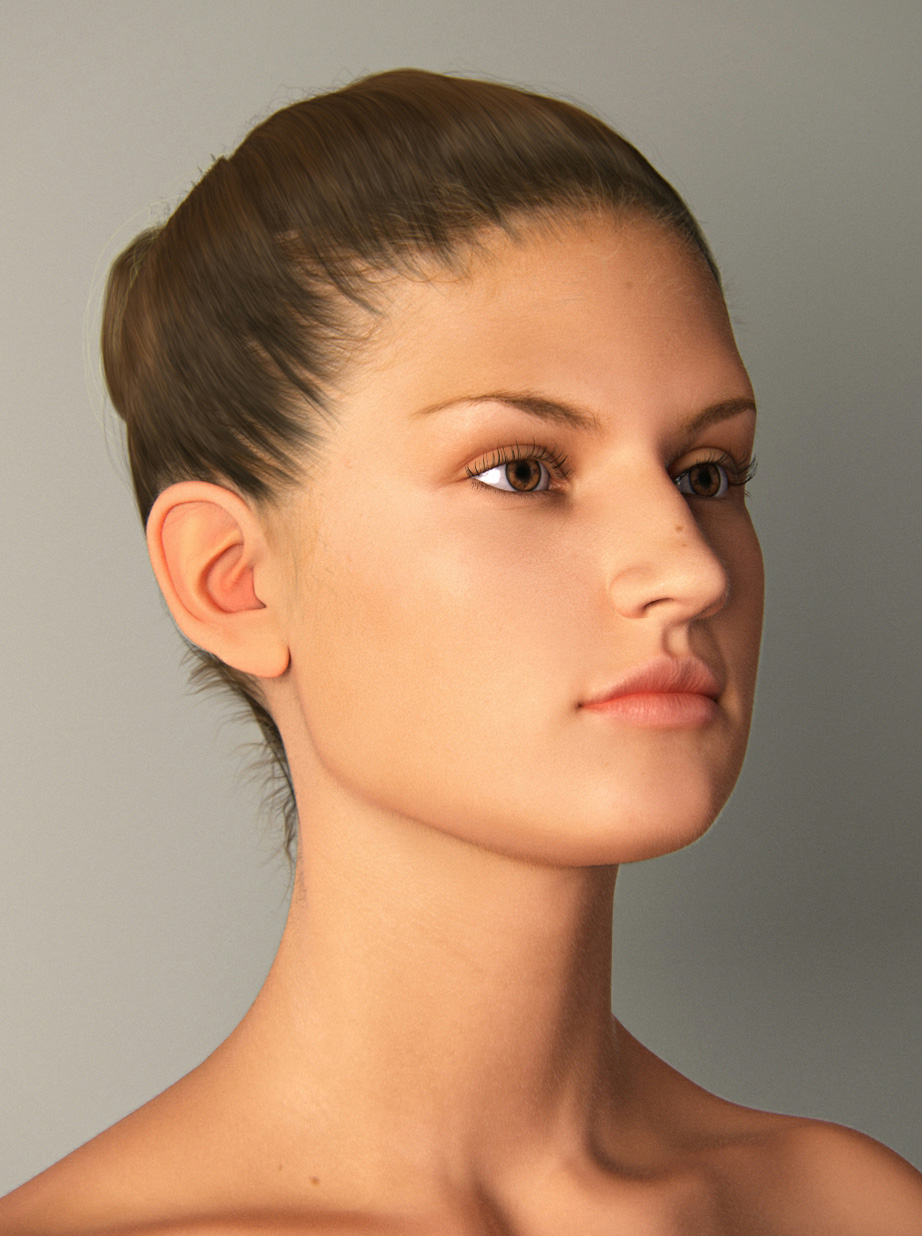
“ Hair Farm's material and shader toolset is far better than any other hair solution on the market. It is robust, new, and the results are just stunning! There are so many variables available to the artist - you can create literally any kind of hairstyle.”
Lee Perry-Smithwww.ir-models.com
Hair Farm comes with two separate hair materials, one of which is intended for cartoon-like or stylized characters, while the other one is physically-based and designed for realistic looking hair. Both of these materials are exceptionally easy to use.
The realistic hair material of Hair Farm successfully combines the state-of-the-art techniques in physically-based hair rendering with an artist-friendly and easy-to-use interface. It efficiently performs sophisticated physical computations such as multiple scattering of light through the hair volume to produce all the little details you need for realistic-looking hair. Furthermore, it provides a user-friendly interface that makes it appear similar to any other material in 3ds Max.
|
Realistic Hair Materials Simple Hair Materials |
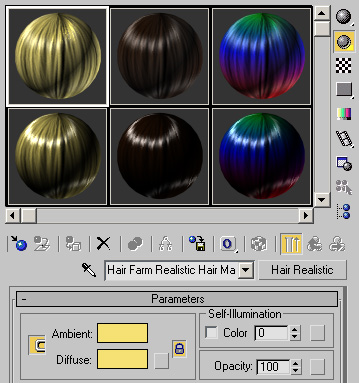 |
Both hair materials can be edited in the material editor of 3ds Max. Just like any other material in 3ds Max, almost all parameters can be controlled by assigning maps. You can easily control how these maps are applied to different hair strands as well as along a hair strand from its root to its tip using Hair Farm's UVW mapping capabilities. Transparency is handled exactly as any other transparent object in 3ds Max. No need to hack hair transparency with multiple passes as 3ds Max's Hair and Fur modifier does! Simply change the opacity parameter of a hair material, and hairs become as transparent as you like!
“ Hair Farm has a very capable shader for doing simple or complex shading on the hairs. Along with those shaders, two maps types to affect base hair coloration and mutant colors. Lighting uses normal max lights and has a very versatile shadowing system to work with 3rd party shadow types.”
Chris PemberFrantic Films
Check out the full comparison between the Hair and Fur modifier of 3ds Max and Hair Farm.